Your cards. Your tools.
Search the card catalog, import collection entries and use your binders, owned cards and wants in your own apps and AI assistants. Setup, endpoints and MCP details are all at /app/docs.
Read the developer docs


How it works
One collection. Any tool you choose.
01
Pick how you connect
Use a personal API key for REST, or sign in and approve a compatible MCP client through OAuth.
02
Start read-only
Access is read-only by default. Enable write permissions only when a workflow needs to change your collection.
03
Stay in control
Private collection data needs your authorization. Revoke keys and connections any time in developer settings.
Your collection, beyond the binder.
API for your app.
Build card lookup, collection dashboards and import workflows with the REST API, scoped to the binders you choose.
Card search and exact printings
Owned and wanted lists
Imports into named binders

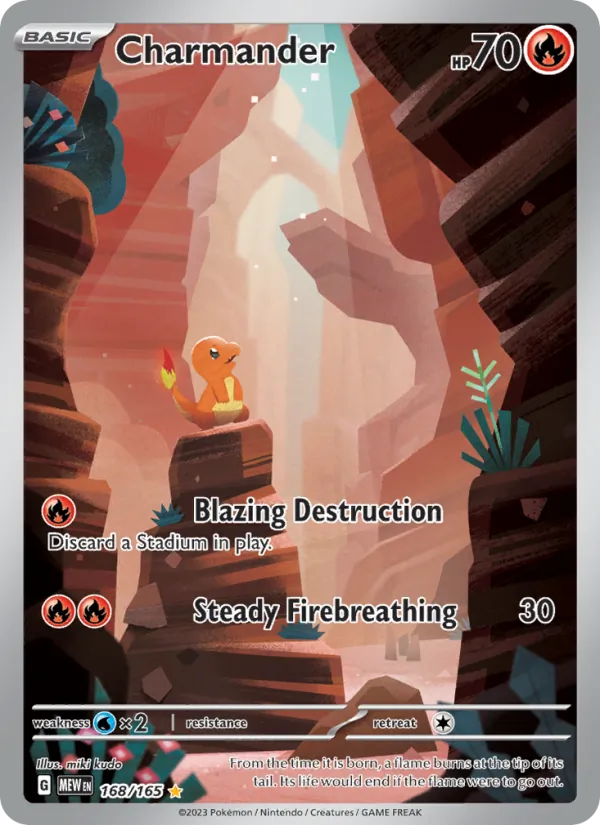


Card data with context.
Catalog printings, physical copies and storage slots have distinct IDs. Pokémon cards, sets and series identify their game; provider IDs stay source evidence.
Prices with sources
Confidence alongside values
Missing data stays missing
Charizard ex
Breakout
£186.40
High confidence · 3 sources
What it opens up for collectors
Without a clear system
Copying data into spreadsheets
Answering every question by hand
All-or-nothing access
With Holo Folder
Your own dashboards
Build views of your binders, wants and progress in the tools you like.
Ask an assistant
Let a compatible AI tool search cards and find gaps with the permissions you approve.
You stay in control
Scopes and approvals decide exactly what each integration can touch.
MCP for your AI assistant.
Connect a compatible MCP client, approve the access it needs, then ask it to search cards or find what a binder is missing. AI tools can get started at /app/docs, which has the setup steps they need.

Good to know
Which plans include the API and MCP?
Both are included with Premium and lifetime access.
Can an assistant change my collection?
Only if you allow it. Connections start read-only, and write access is something you enable and can revoke.
Does the API cover every card and price?
Coverage follows the Holo Folder catalog. Where a price or detail is unknown, the API says so instead of guessing.
Where are the connection details?
At /app/docs. It covers API keys, endpoints, scopes and how to add Holo Folder to an MCP client.
Can my AI tool set itself up?
Yes. Point an AI assistant or agent at /app/docs and it can follow the setup steps. You still approve its access through OAuth.