Know what’s in your binder.
Track the Pokémon cards you own and the versions you still want. Keep your Dex, set collections and trade cards in binders of their own.
Start tracking your cards


01
Record the exact card
Save the set, card number, language and finish so you know which copy you own.
02
Keep your wants clear
Own one version and want another? Track both without marking a target as already collected.
03
Separate your projects
Use named binders for a Dex, an artwork theme or trade cards. Open the right one before adding a find.
How it works
Check your collection before you buy.
Have the answer in the shop.
Check your saved binder in the shop, spot an empty pocket and look up the card you’re after. You’ll need a connection to create a binder or restore a backup. A fresh offline opening shows your saved collection in read-only mode.
The details that make a collection.
Keep track of the exact card.
A reverse holo and a regular copy can share a name and number. Save the finish too, so they stay separate.
Set, number, language, finish
Owned and wanted kept apart
Keep a binder for each collecting project.

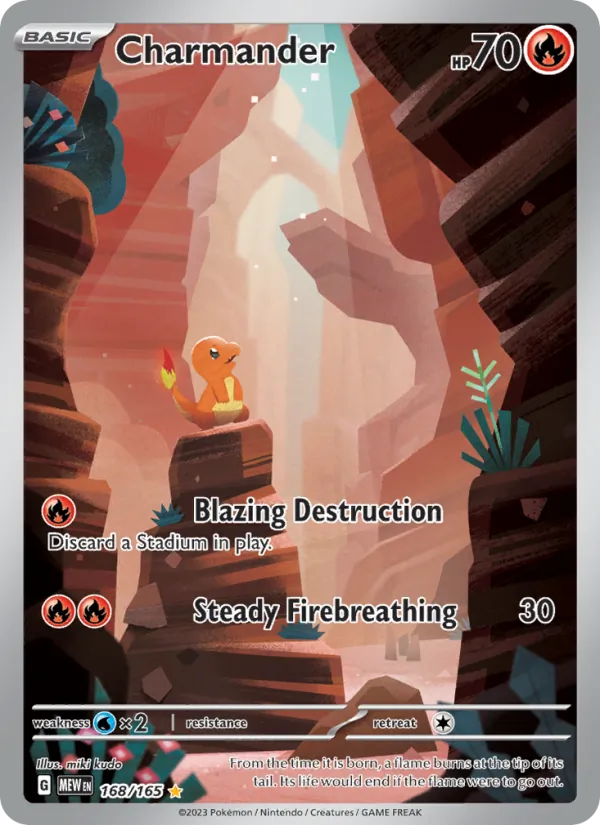


Scan or search for a card.
Scan a card or search by name, set, number or artist, then confirm the match.
Camera or search
Confirm ambiguous matches
Add to any binder
Bulbasaur · 151
98%
What exact tracking gives you
Without a clear system
“Charizard” with no idea which one
Wants tangled up with owned cards
Edits that spill across everything
With Holo Folder
Restore a saved binder
Review a compatible backup before restoring cards to the same binder. It needs to match the existing pockets and layout. Grading details, settings and uploaded artwork aren’t restored.
Wants that stay separate
Owned and wanted never mix, so your list of targets stays clean.
See what changed
Open Activity from your binder or a card to see what changed, who changed it and when. Review and undo supported card or want-list mistakes without overwriting newer edits.
Good to know
Can I track exact printings?
Yes. Set, collector number, language and finish distinguish the card from another printing of the same Pokémon.
Can I own one version and want another?
Yes. Owned printings and wanted alternatives are separate, so an upgrade can stay on your list without changing what you already own.
Can I see an example without signing in?
Yes. Cal’s public binder is read-only and can be browsed without an account. Creating and editing your own collection requires an account.
